Start here
Galactic Outreach documentation
Galactic Outreach finds business contacts, writes the email, and sends it through your own provider. Here is what it does, what it does not, and how to tell whether it is up.
By Joan Gumban · Last updated
What it is
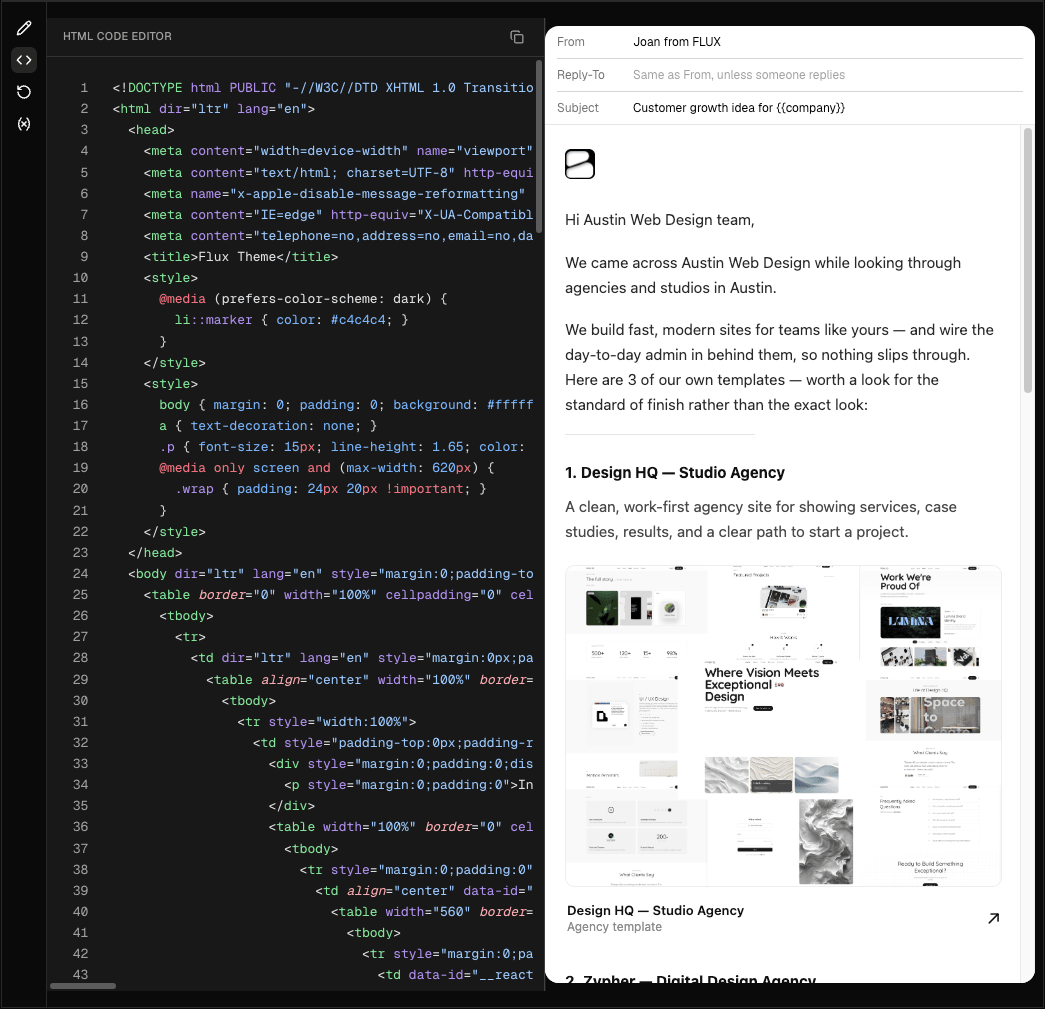
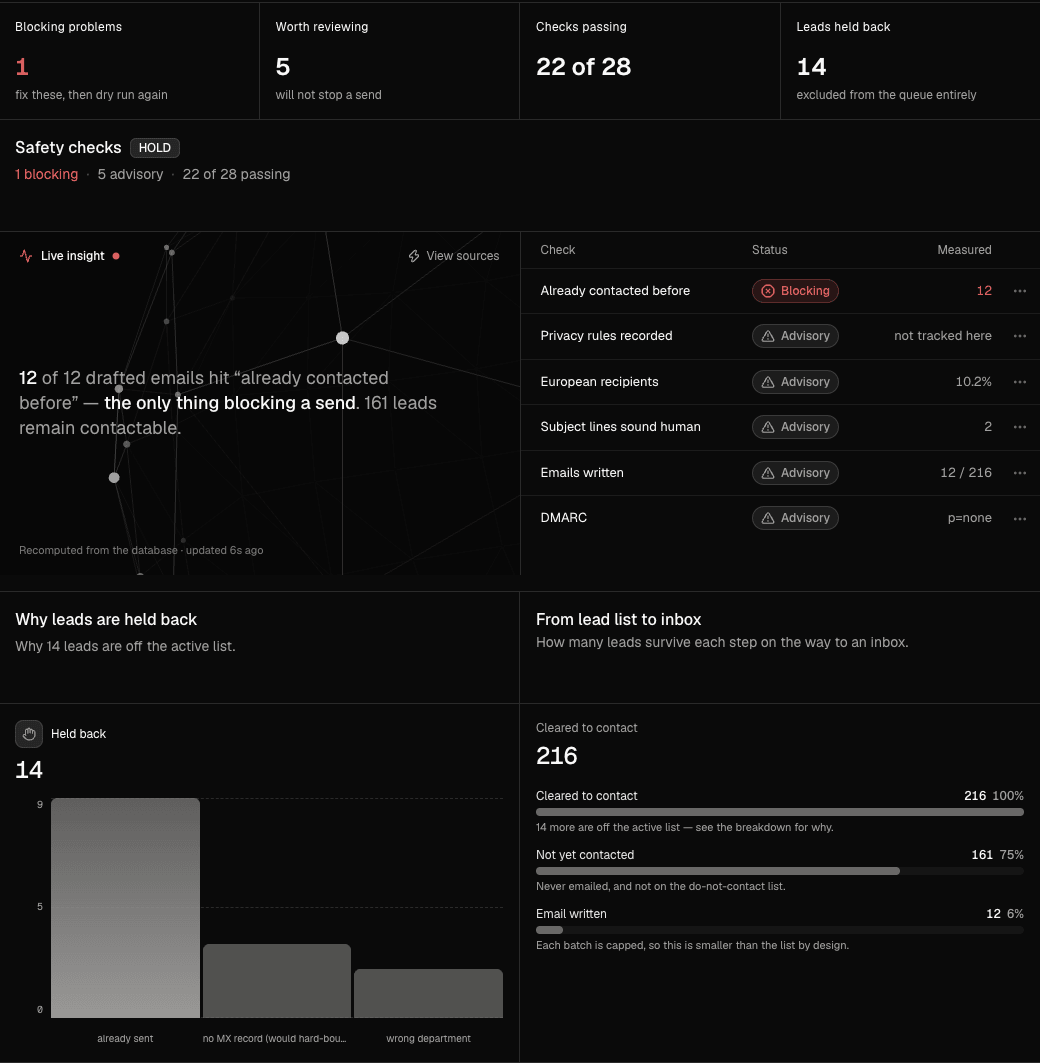
Galactic Outreach is a dashboard for running cold email campaigns end to end: it collects business contact details from public sources, helps you write a template, checks the batch before it leaves, and sends it.
The thing it does not do is send on your behalf. You connect your own email provider (Resend, Amazon SES, Mailgun or SendGrid, or your own Microsoft 365 or Google Workspace mailbox), and every message leaves under your credentials, from your domain, counted against your plan with that provider. That is deliberate: the sending reputation you build is yours and moves with you.
How a campaign runs
The work happens in one direction, and the sidebar is ordered to match it.
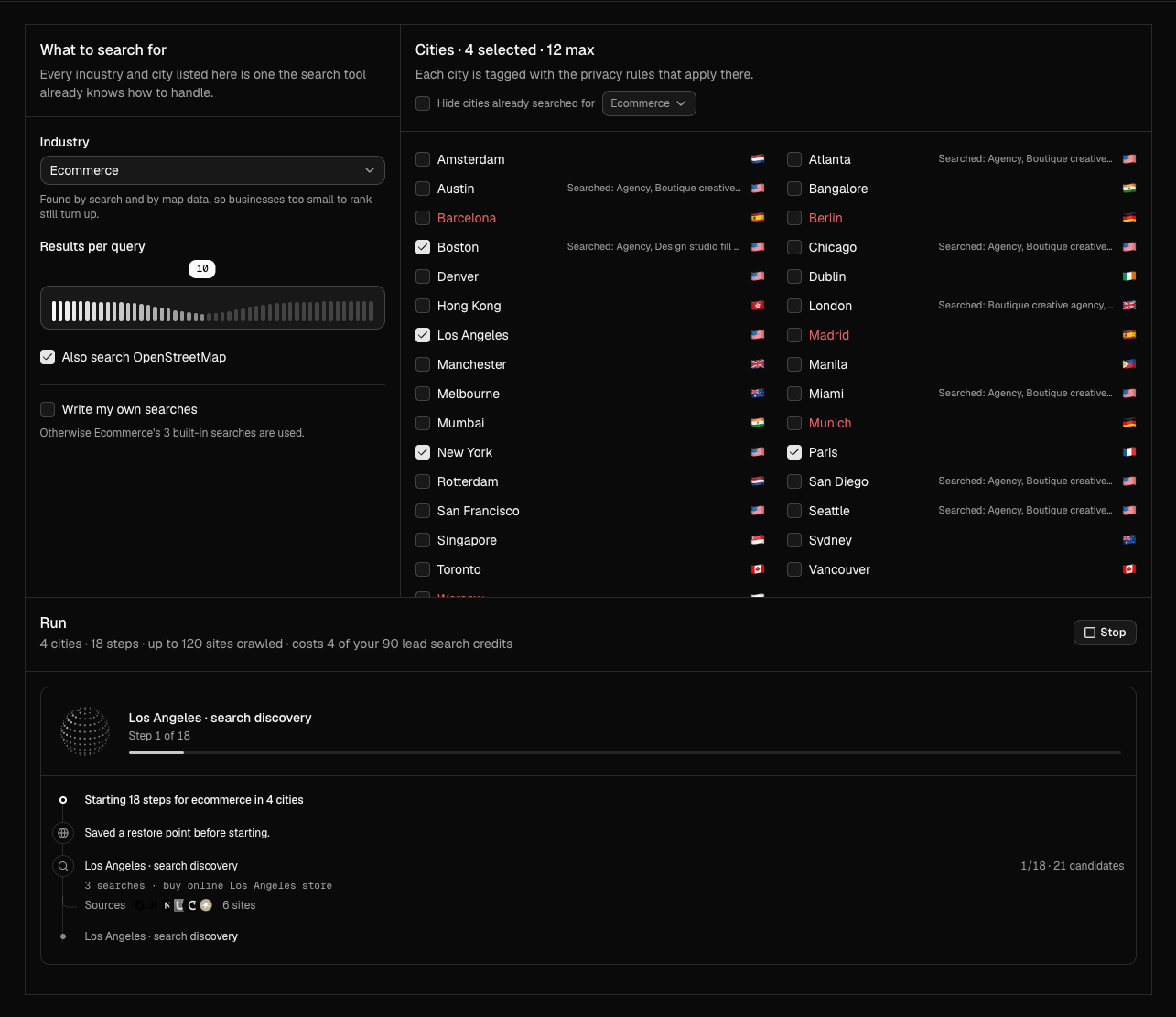
- Find new leads
- Search a city and a business type. Galactic collects what is publicly listed and adds it to the queue.
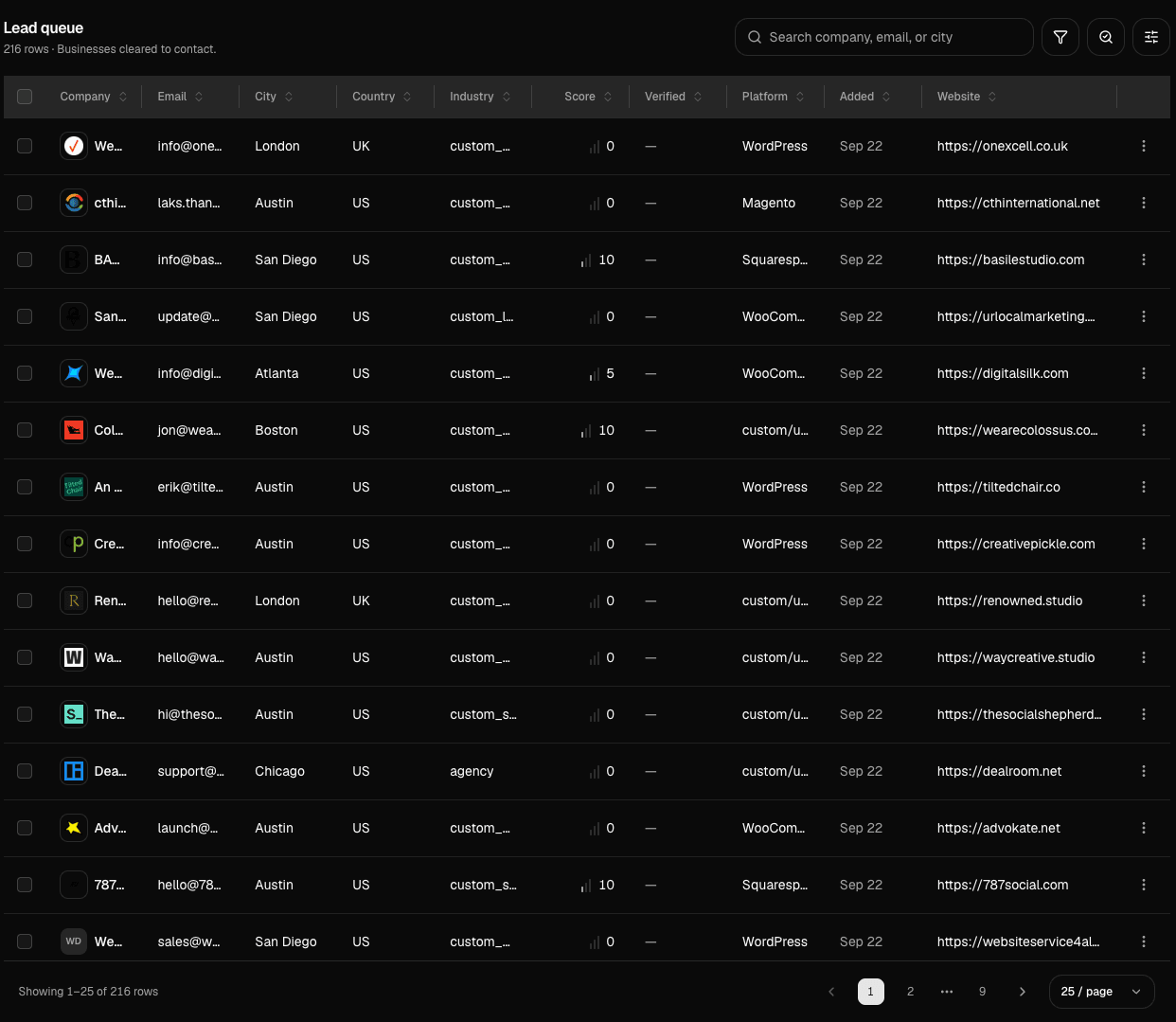
- All leads
- The queue as a table. Read it and drop anything that is not a real prospect before it costs you a send.
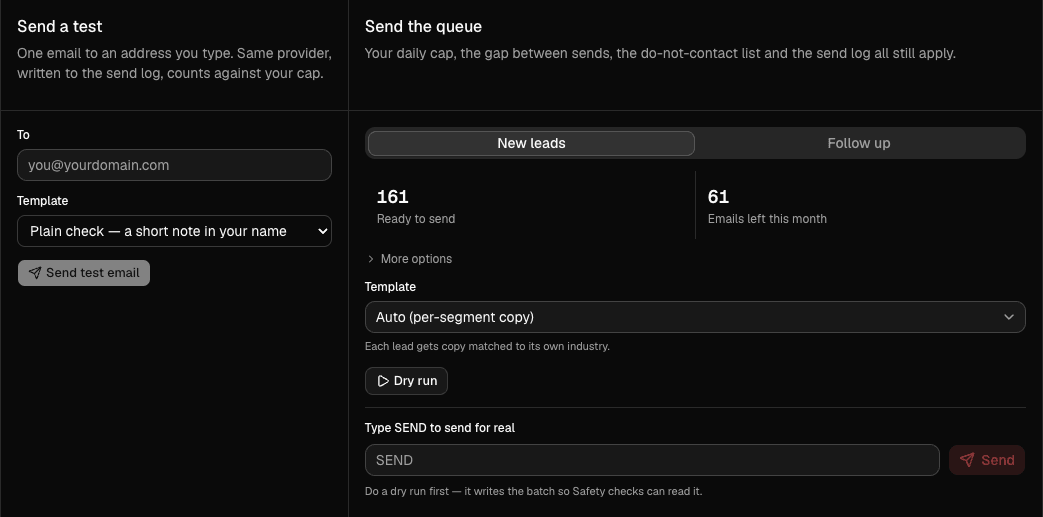
What you are responsible for
Cold email is regulated, and the rules follow the recipient rather than you. Galactic enforces the parts it can: a physical postal address on every message, a working one-click unsubscribe, a do-not-contact list that anyone who unsubscribes or bounces joins automatically, and a hold on every lead in a country that requires opt-in first. Country rules lists which countries those are.
What it cannot decide for you is whether you have a lawful basis for contacting a given person. That judgement is yours, and the Terms say so.
Is Galactic up?
The status page at status.galacticoutreach.com checks the app every minute from outside our network, along with the database and sign-in. It uses a deeper version of this endpoint, GET /api/health/data, which also confirms the app can read what a signed-in page needs, so a dashboard that loads but cannot show your campaign counts as down. It shows 90 days of uptime for each, and any incident with its updates.
It runs separately from the app, so it still answers when the app is down. If a check fails three minutes in a row, the page opens an incident by itself, and resolves it once things are back.
Two more are posted by themselves: The dashboard is slow, when pages take longer than four seconds for three minutes running, and [Provider] is having problems, when Resend's, Mailgun's or SendGrid's own status page shows an outage on the part that sends email. Amazon SES and mailboxes have no such page to read, so those are posted by hand.
If Galactic itself is down while you have the dashboard open, you see a short notice instead of an error: what is happening, a View status button that opens this page in a new tab, and the page reloads by itself as soon as things are back, on the page you were on. If only sign-in is down, you stay signed in and see the same notice rather than being sent to the sign-in page. Your campaign, leads and settings are not affected.
The health endpoint
A public endpoint that answers whether the app is ready to serve. It holds no session and returns only the verdict, so there is nothing behind it worth gating.
GET /api/healthWhat does it return?
JSON with two fields. ready is true when the app can do something useful: it has campaign data to read, or it can search for some. status is ok when there is data, empty on a fresh install that can still search, and unusable when it can do neither.
Only unusable answers 503. Everything else answers 200, so a platform does not restart a fresh install that simply has no leads yet.
{ "ready": true, "status": "ok" }Why does it say so little?
It is public, because the platforms that poll it cannot sign in. So it says nothing a stranger could use: no version, no paths, no settings. The detail behind the verdict is on the signed-in screens.